
Nyxhora CleanSweep
See exactly what fills your drive, then clear it safely.
A storage analyzer and cleaner for Windows. CleanSweep never touches Windows, your installed programs or the folders your account needs, and it never follows shortcuts into other locations.
Get it from Microsoft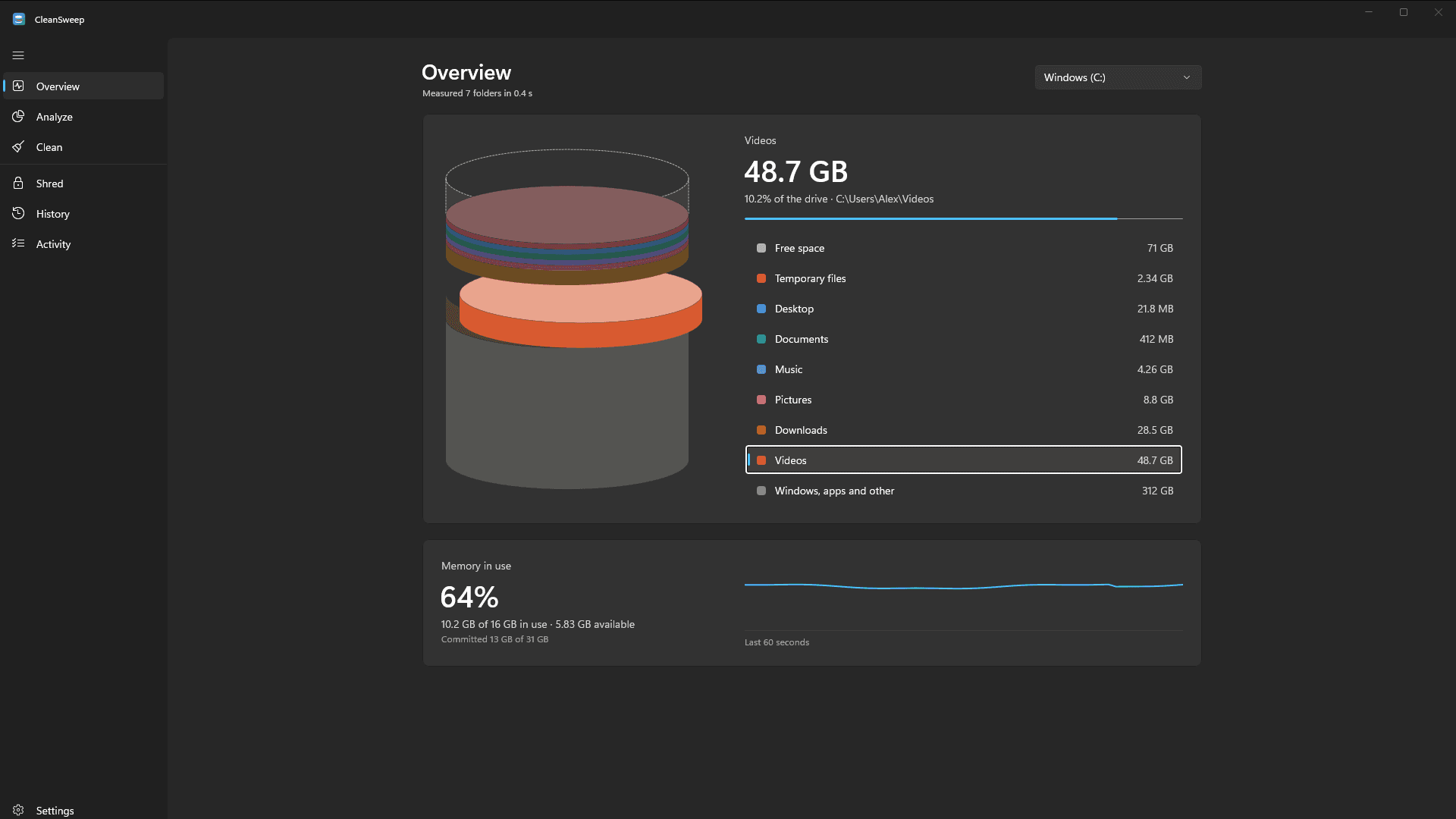
See what fills your drive
Your Downloads, Videos, Pictures, Documents and everything else, each as its own layer in a 3D stack you can explore.
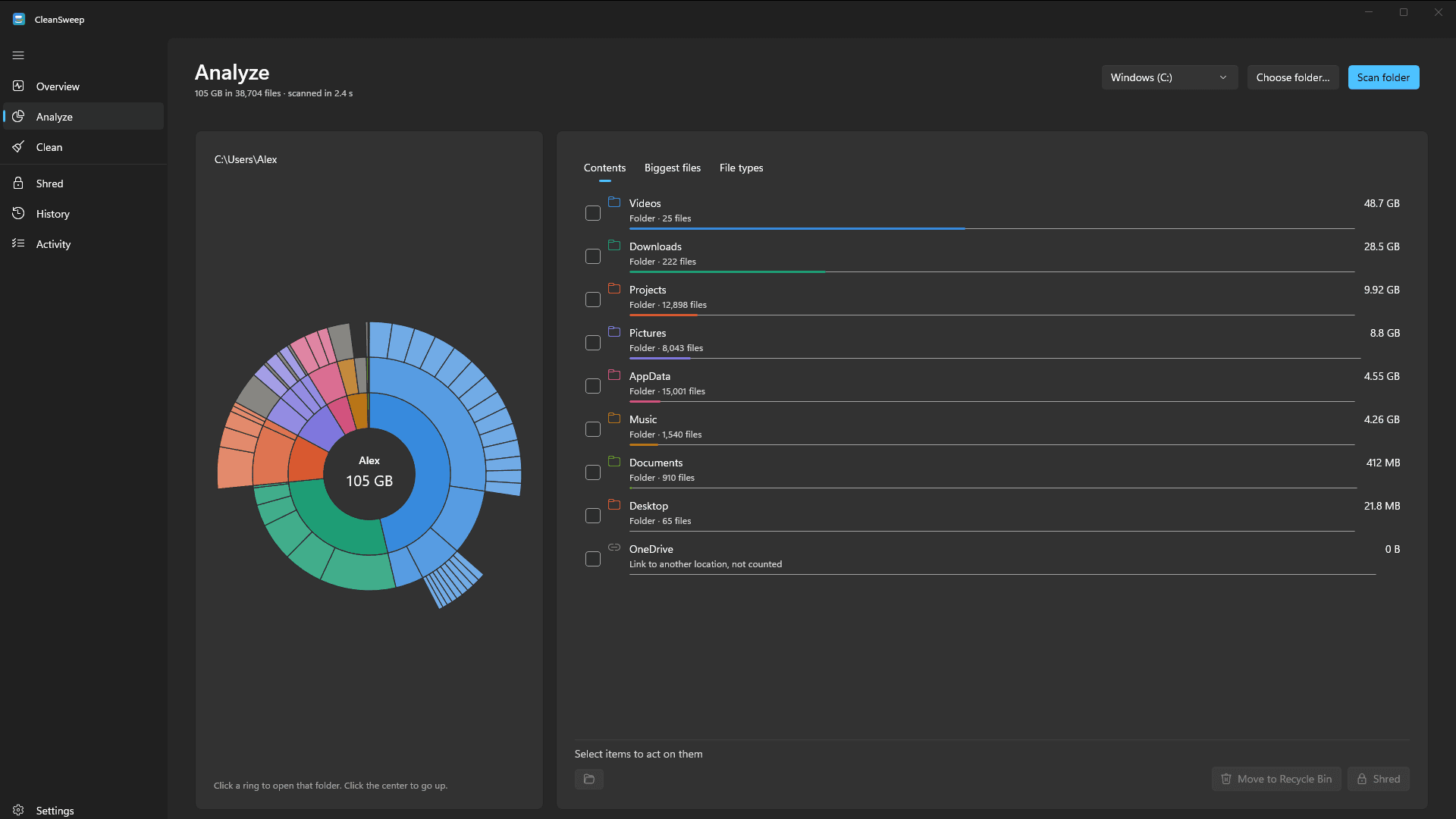
Drill into any folder
Scan any drive or folder and drill in ring by ring. Find the biggest files in seconds and see which file types take the most space.
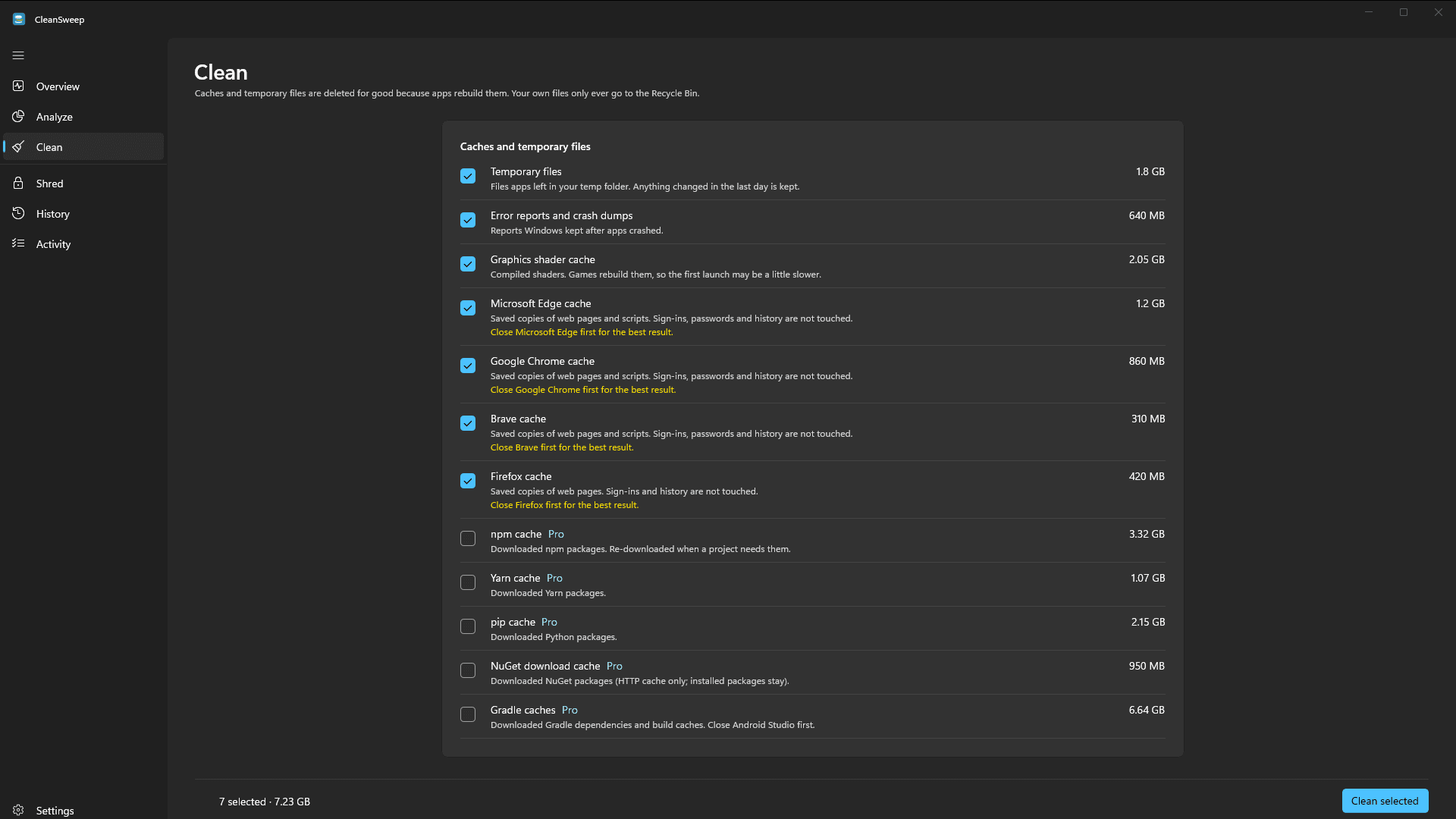
Clean with confidence
Caches and temp files that apps rebuild are cleared for good. Your own files only go to the Recycle Bin, so you can restore them.
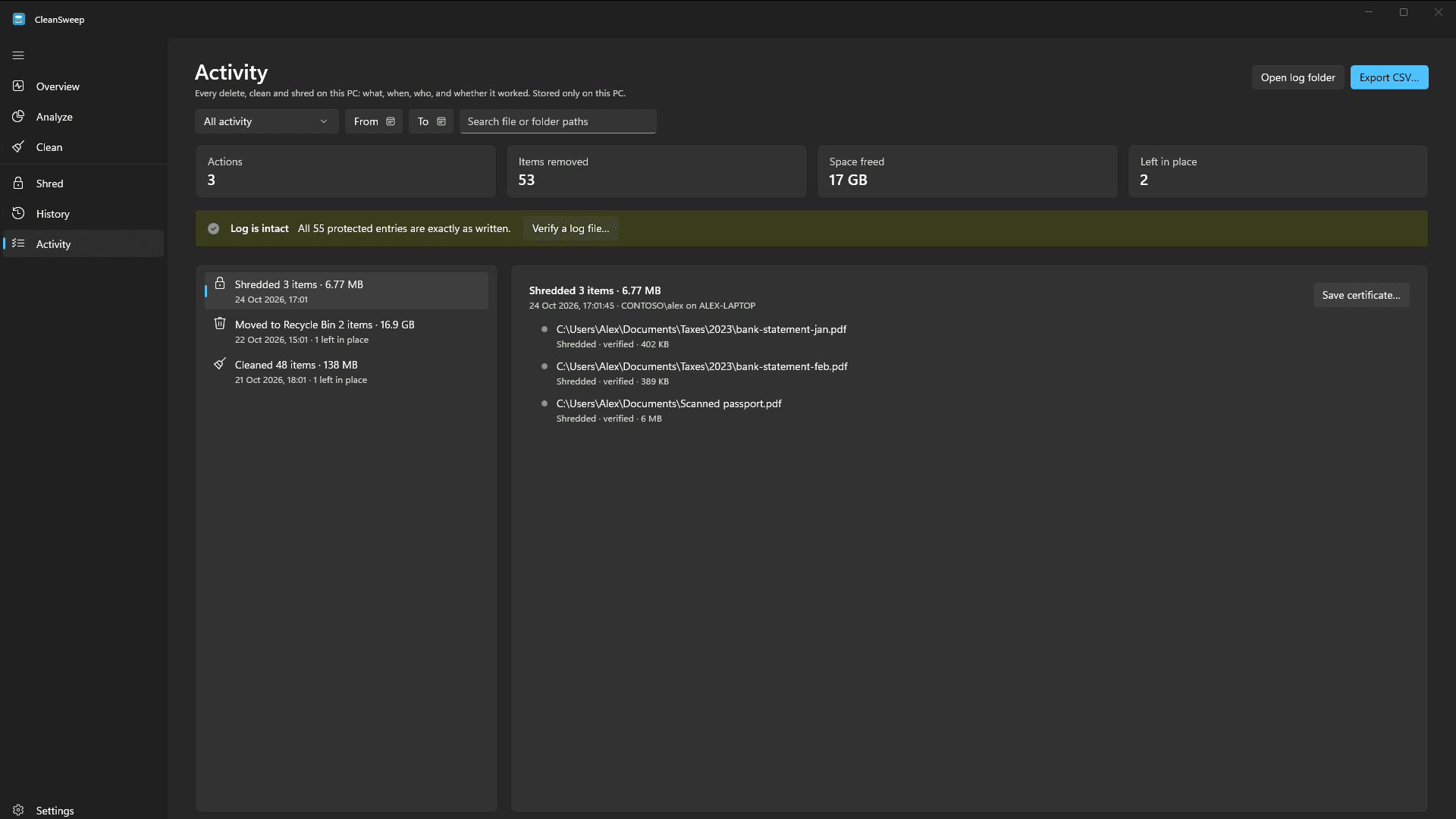
A record of every delete
Every delete, clean and shred is logged on your PC with what was removed, when, and why anything was skipped. The log is tamper-evident.
CleanSweep Pro
Pro is a monthly or yearly subscription, bought inside the Microsoft Store. Cancel anytime from your Microsoft account.
Shred
Overwrite files, verify the overwrite and delete them so recovery tools can't bring them back, with a printable certificate for your records.
History and forecast
See how your drive fills up over time and when it will be full.
Developer cache cleanup
Clear npm, Yarn, pip, NuGet and Gradle caches.
Activity export
Export the activity log to CSV for audits.
For organizations
IT can manage CleanSweep with Group Policy or Intune: analyze-only or Recycle Bin–only modes, protected folders and a central audit folder.
Your data stays on your PC
Everything happens on your PC. CleanSweep has no analytics or advertising and doesn't collect or send your data.